Take someone off a slot
You can take one person off a slot, such as someone who can't come and hasn't cancelled. Their spot opens up, and everyone else stays signed up.
Remove someone from a slot
Removing someone can't be undone, so check the name and the slot first. They don't get an email about it.
On the Your signups page, choose your signup.
Under your signup's title, choose the Responses tab. It lists everyone who has signed up.
Find the person, and choose Remove at the end of their row. On a phone, each person has a card, and Remove is next to their email.
Only people who are still signed up have this button. Someone signed up for more than one slot shows up once for each, so check the slot.
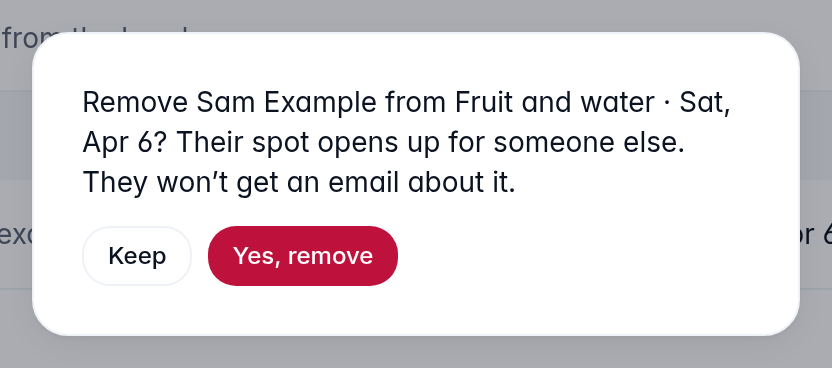
You'll see a question naming them and their slot. Choose Yes, remove. To leave them on the slot, choose Keep instead.
What happens next
- Their spot opens up. While the signup is open, someone else can sign up for it. If they took more than one spot, all of them open up.
- They stay on the Responses tab, marked removed. The number on the tab goes down by one.
- They get no email about it. They get no reminder either, unless it went out before you removed them.
- If they open their link to change or cancel, it says The organizer took you off this slot, and names the slot.
Can't find what you need? Email hello@opensignup.org.